
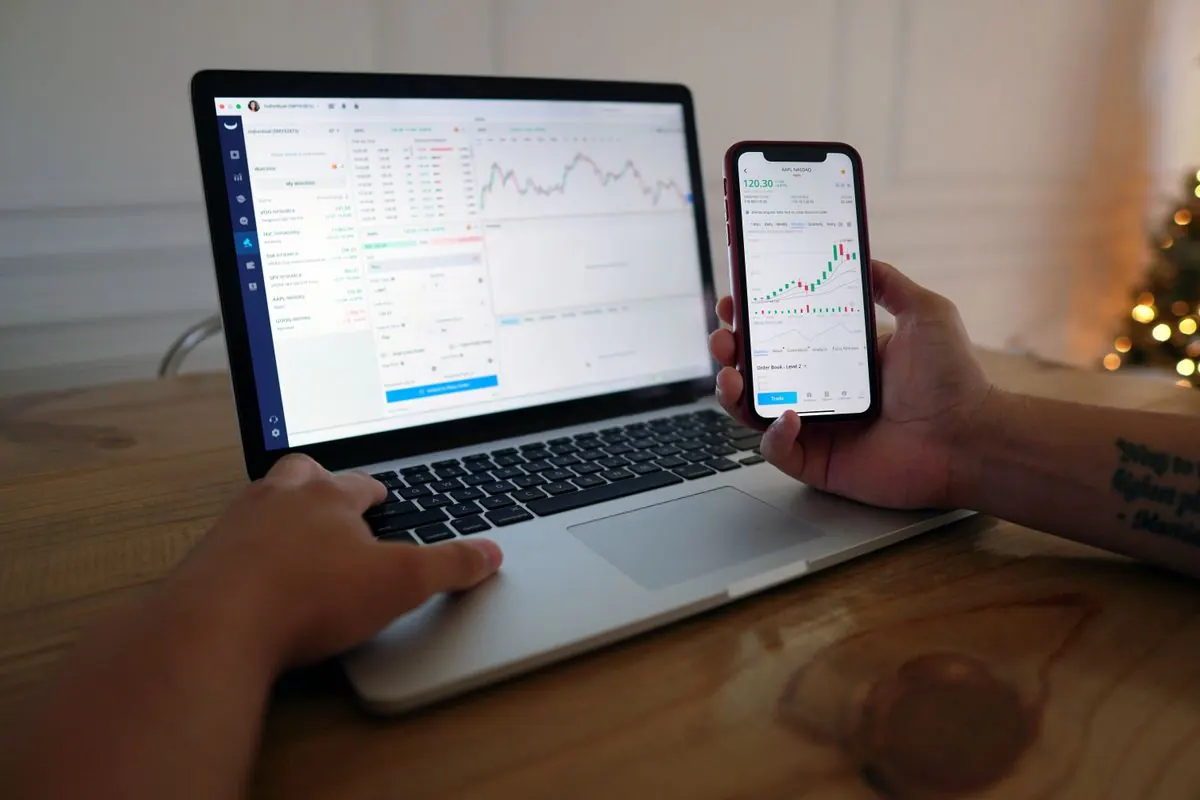
A crypto wallet tracker shows balances and activity without necessarily holding your assets. It can help you follow several addresses, spot an unexplained change and compare records across networks. The important distinction is between permission to observe an account and permission to sign a transaction.
This guide explains read-only monitoring, data coverage and privacy. It does not rank storage wallets or turn a dashboard balance into a recommendation to buy or sell.
How a Crypto Wallet Tracker Collects Data
A tracker may query public blockchain data, import an exchange statement or use an exchange API. Each route has different coverage. An account balance, token-transfer history and a decentralised-finance position are not interchangeable data sets. Some applications need separate integrations for each.
When you track a crypto wallet address, choose the correct network and confirm the full address. Check token contracts rather than relying on symbols. Public explorers and APIs can display an address balance, but they do not establish who legally owns an address.
How to Get a Crypto Wallet Address
Read-Only Access Compared
| Access route | What it can reveal | Main limitation |
|---|---|---|
| Public address | Activity visible for that address and chain | May miss other addresses or supported protocol positions |
| Extended public key | A set of derived account addresses | Can expose a wider financial history |
| Restricted exchange API | History and balances permitted by that key | Coverage and permissions depend on the exchange |
A tracker that only observes balances should not require a recovery phrase. If an application asks for transaction approval or a spending allowance, stop and establish why; that is a different permission from monitoring. Trezor’s public-key documentation distinguishes observation from spending authority.
Ask how balance synchronisation works and what happens when a data source is unavailable. A portfolio dashboard should identify its last refresh and the limits of its price history. Review read-only permissions separately for each connection, whether it uses a public wallet address or a restricted exchange key.

Check Balances Before Trusting a Total
Start with one known address and compare the tracker with the original account interface or explorer. Look for the correct token quantity, network and last-update time. Add other accounts one at a time so that a discrepancy has a clear starting point.
A displayed fiat value is an estimate based on a price feed. A thinly traded token may have a quoted price that cannot be obtained for the full balance. For cash-out analysis, how to convert crypto to SGD in Singapore is a separate practical question from a tracker’s portfolio valuation. A balance is not an executable offer.
Likewise, an exchange deposit can have an on-chain record before the exchange credits the account. Separate network settlement, exchange processing and a cached dashboard refresh when investigating a mismatch.
Use Labels Without Exposing Too Much
Labels such as “hardware wallet”, “client receipts” or “long-term holdings” can make a wallet tracker for crypto easier to read. They can also reveal business relationships if screenshots or exports are shared. Avoid including unnecessary names or account identifiers in a public dashboard.
An extended public key may allow an observer to link multiple derived addresses. It cannot by itself authorise spending, but the privacy consequences can be significant. Review what the application stores, who can access your workspace and whether imported data can be deleted.

Monitor Several Wallets Without Double Counting
If the same assets are visible through two integrations, a portfolio total may count them twice. Wrapped assets, exchange subaccounts and imported manual entries require similar attention. Keep a short inventory explaining what each connection represents and which source is authoritative.
Use crypto tracking software to flag changes, not to invent a cause. An unfamiliar token can be spam; an apparent reduction may reflect a transfer you initiated or an integration error. Compare the transaction details before acting on an alert.
A monitoring view also differs from making a cryptocurrency payment: a payment involves a specific recipient, amount and settlement process. A tracker’s “sent” label alone does not establish that a merchant accepted an invoice as paid.
A Read-Only Setup Checklist
- Confirm the application’s operator and supported networks.
- Connect one address or the narrowest read-only API permission.
- Compare quantities and timestamps with the original source.
- Check how additional addresses and protocol positions are handled.
- Remove duplicated integrations and record manual entries.
- Review sharing, export and deletion controls.
For a periodic review, record the time of the snapshot and the price currency. That makes changes easier to explain than a series of screenshots with different refresh times and no account context.
Green Capstead: Check the Relevant Service Terms
Before connecting an account associated with Green Capstead, ask whether a documented read-only API or export is available. Confirm which fields are included and whether the connection can place orders or withdraw funds. Do not supply a recovery phrase merely to create a monitoring dashboard.
FAQ
Can a public-address tracker move my funds?
A public address alone does not provide signing authority. Nevertheless, the application may separately request other permissions; inspect them rather than assuming every feature is read-only.
Why does my tracker disagree with my exchange?
Possible causes include refresh delays, unsupported positions, missing addresses, price feeds and exchange processing. Compare asset quantities before comparing fiat totals.
Does an extended public key reveal my private key?
It does not provide ordinary spending authority, but it can reveal linked addresses and account activity. Treat it as privacy-sensitive information.
Can I use a tracker as evidence of a completed purchase?
Use the original trade record, invoice and settlement evidence. A dashboard is a secondary view and may omit the details needed to resolve a dispute.
Conclusion
A useful crypto wallet tracker offers clear coverage, limited permissions and a way to verify its figures. Test one connection first, separate estimated values from available cash and share only the information needed for the task.
Sources
- Etherscan API Documentation — Account Balances and Transactions
- Trezor Learn — What Is a Public Key (XPUB)?
- Trezor Learn — Public and Private Keys Explained
